
Having trouble sending out contracts?
Learn today how to troubleshoot Hellosign (now DropBox Sign).
If you prefer to watch a short 2-minute video please click below.
To access your Hellosign configuration, please log in to ScoreCEO, Or Click here

On your Dashboard click the configuration button at the top right corner and select Configuration.


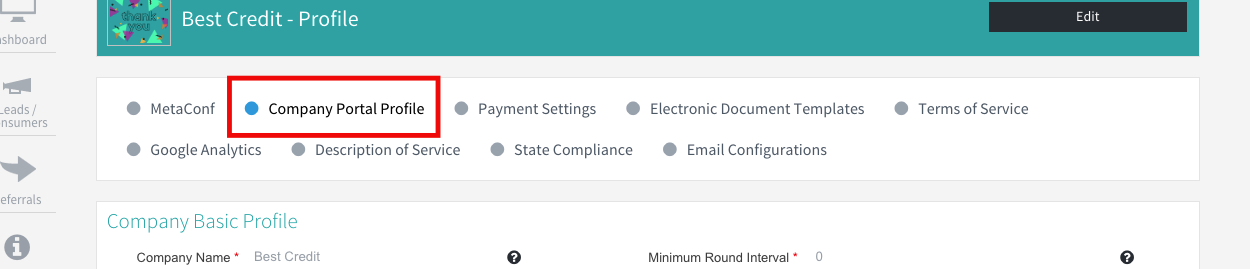
Select Company Portal Profile.
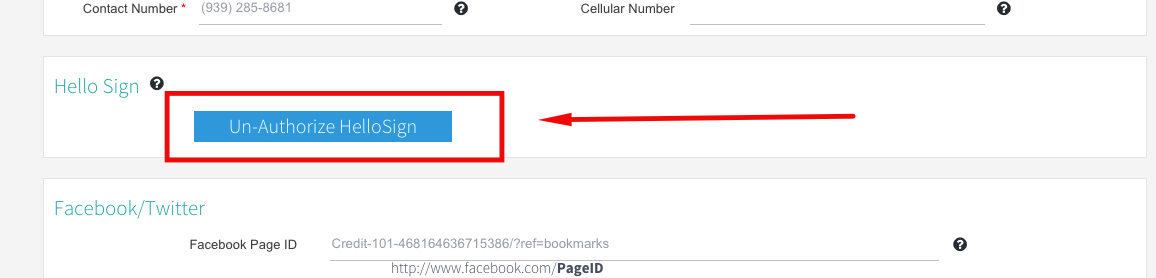
Scroll all the way down to the Hellosign Area, And click on Un-Authorize Hellosign.
Reload your page and locate Hellosign option, and click Authenticate Hellosign

This will redirect you to the Hellosign page, If you do not have an existing Hellosign account, please click Sign up if you do not have an existing account or, login with the available options.
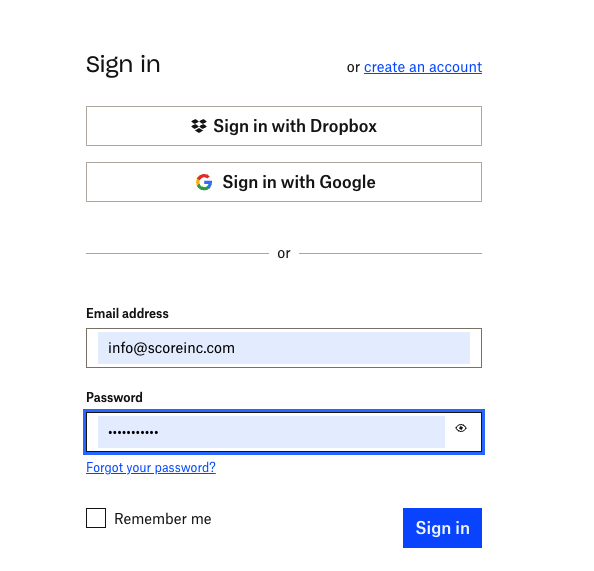
If you do not remember your login password please use the forgot pasword option. And follow the steps to reset your password.
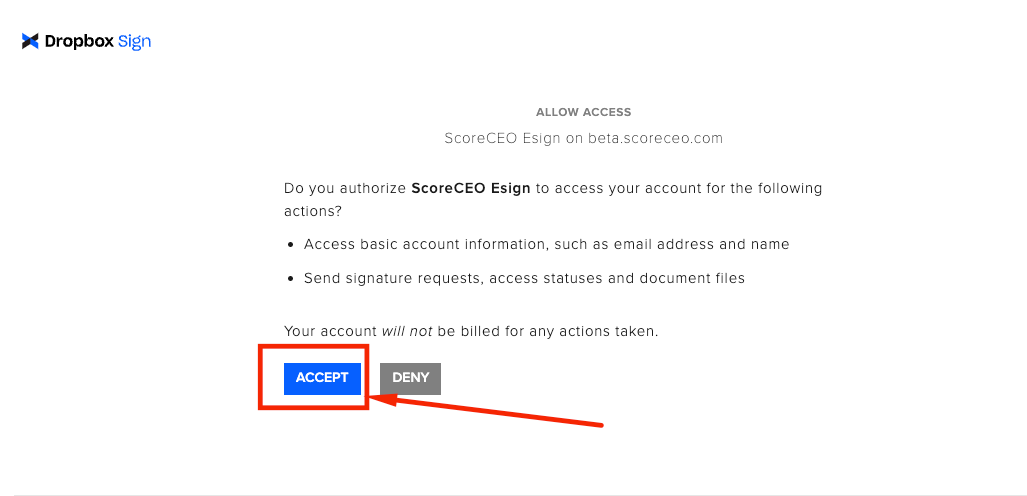
Once you create your account or have logged in already Choose the Accept option
You have successfully configured your Hellosign.
______________________________________________________________________________________________________
Q: Why do I keep getting a HelloSign (DropBox Sign) error?
A: If HelloSign isn’t used for 2–3 days, its authentication token expires and needs to be refreshed. When HelloSign is used regularly (at least once a day), the token stays active, and this issue usually doesn’t occur.